
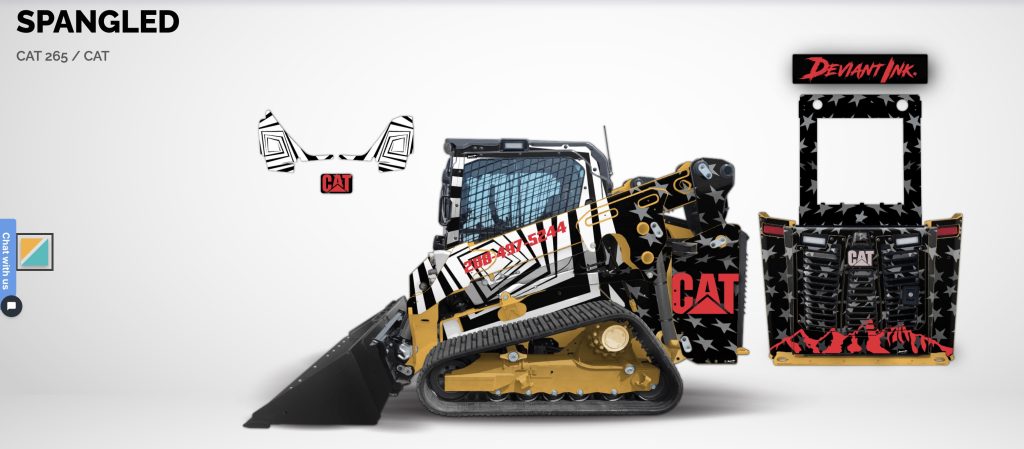
Skid Steer Wrap Customizer: How to Design a Cat 265 Wrap Step by Step
If you have never wrapped a skid steer before, the process can feel overwhelming. Colors, logos, finishes, and layout all matter. That is exactly why we built our skid steer wrap customizer.
The goal is simple. Let you design your wrap visually, make changes in real time, and feel confident placing an order without guessing.
This guide walks through how to use our skid steer wrap customizer specifically for the Cat 265, using real examples from start to finish.
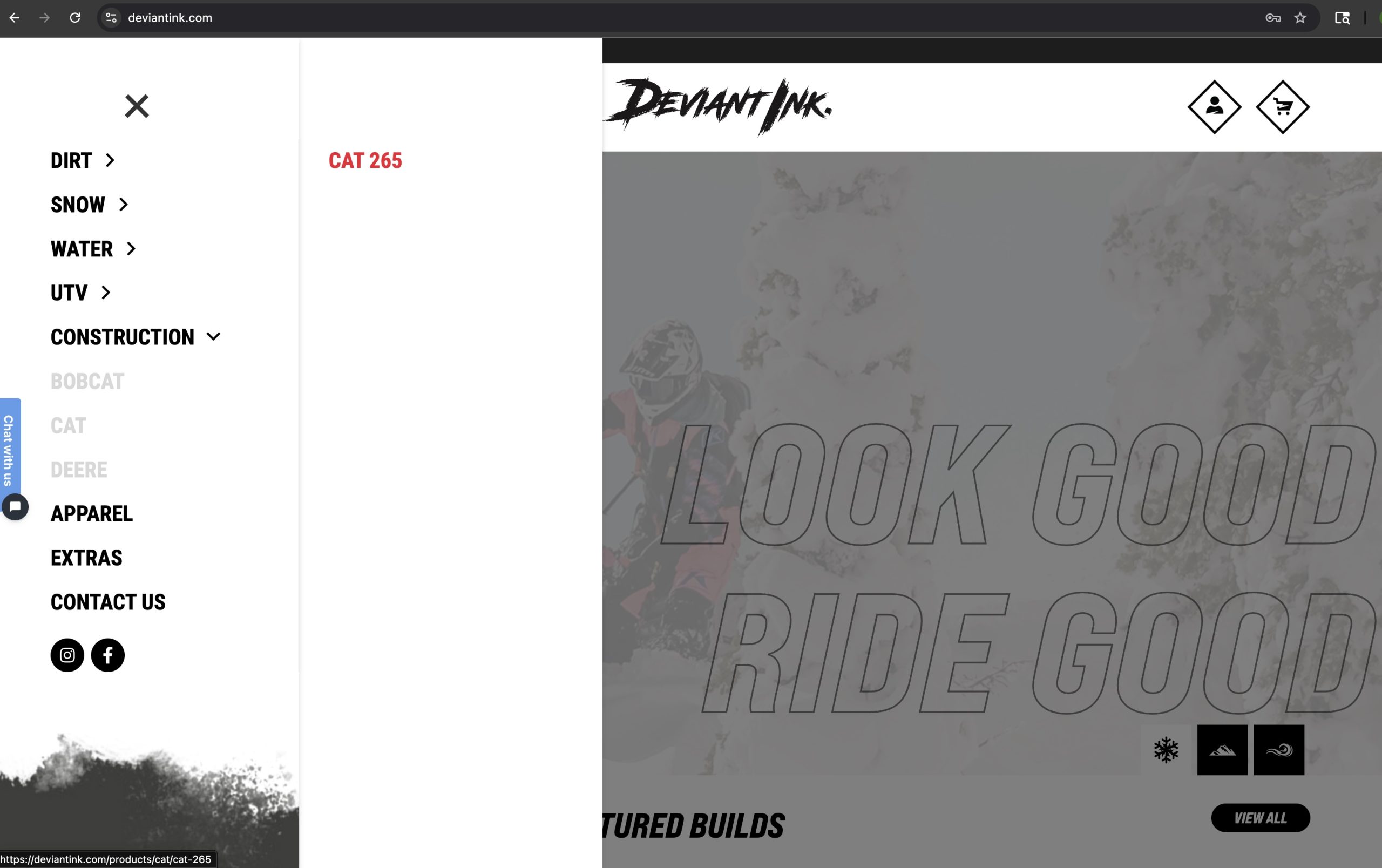
Choose a Wrap Design From Our Website
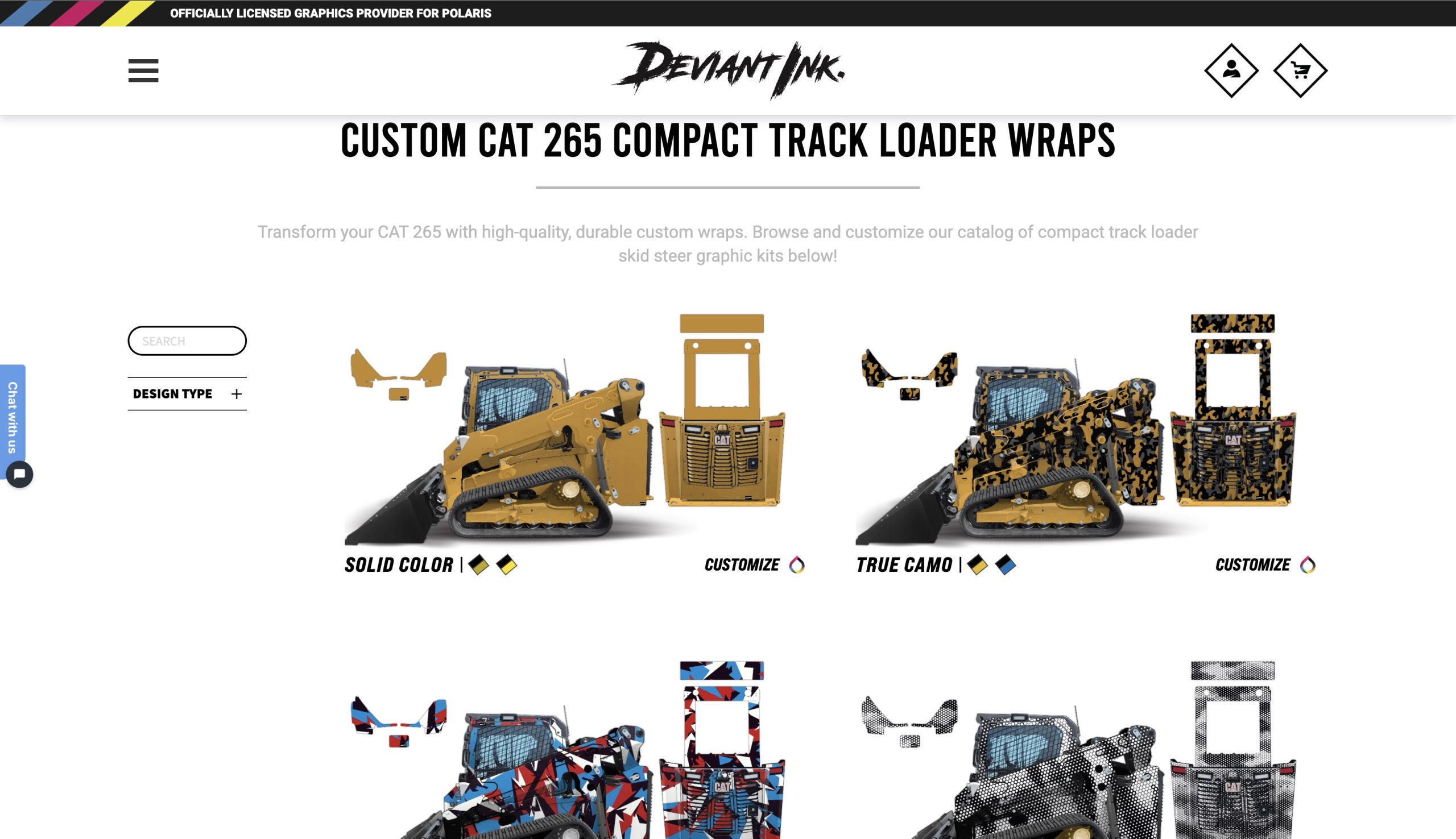
The first step starts by choosing a wrap design from our construction lineup.
Every design is built specifically for the Cat 265, so coverage and fitment are already handled. Once selected, the design opens directly inside the skid steer wrap customizer.
You immediately see how the wrap will look on your machine.
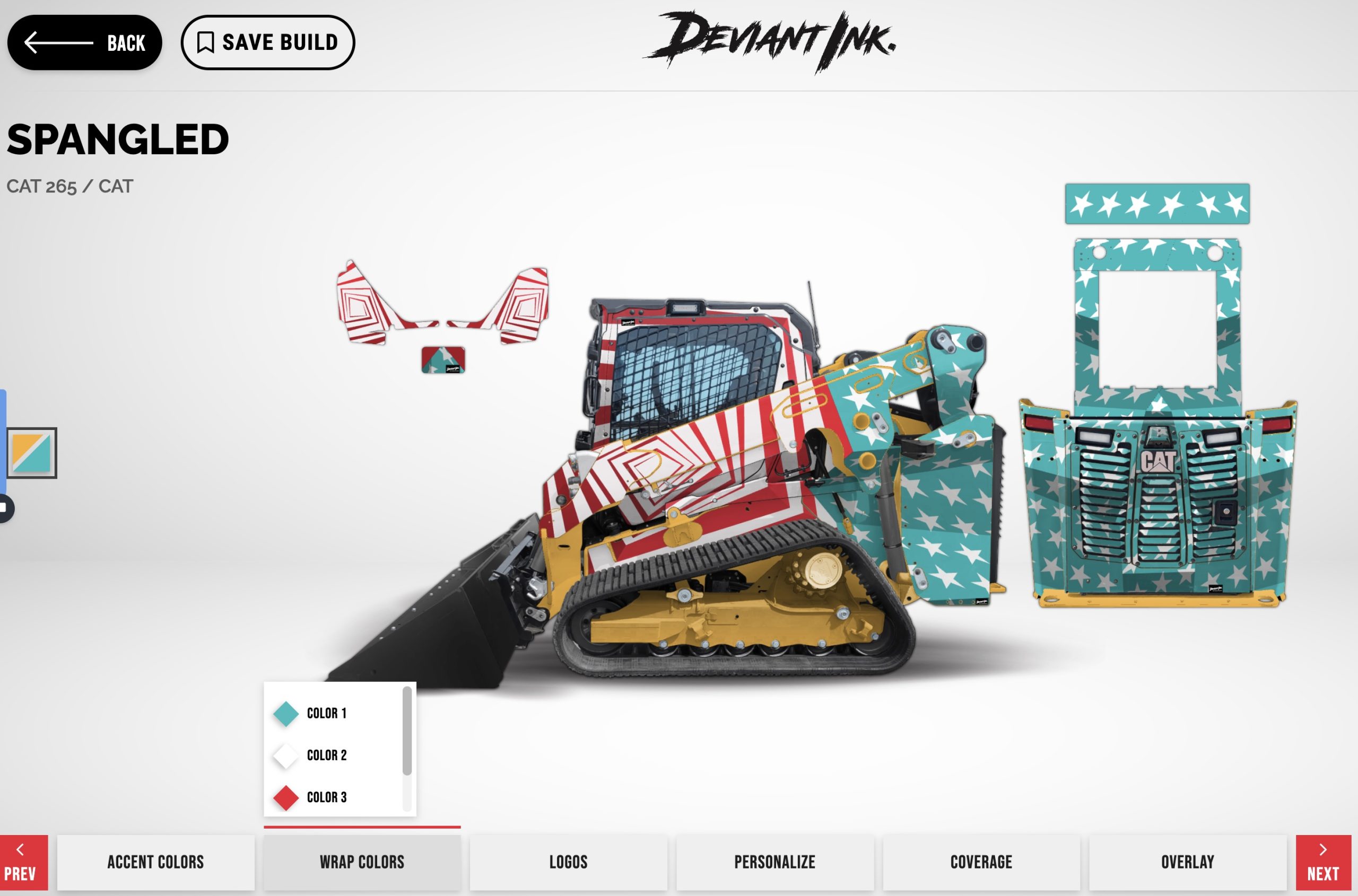
Change Wrap Colors in Real Time
Inside the skid steer wrap customizer, you can adjust colors instantly.
Primary colors, secondary colors, and accent colors can all be changed while watching the entire Cat 265 update live.
This makes it easy to test bold designs or match company branding without waiting on mockups.
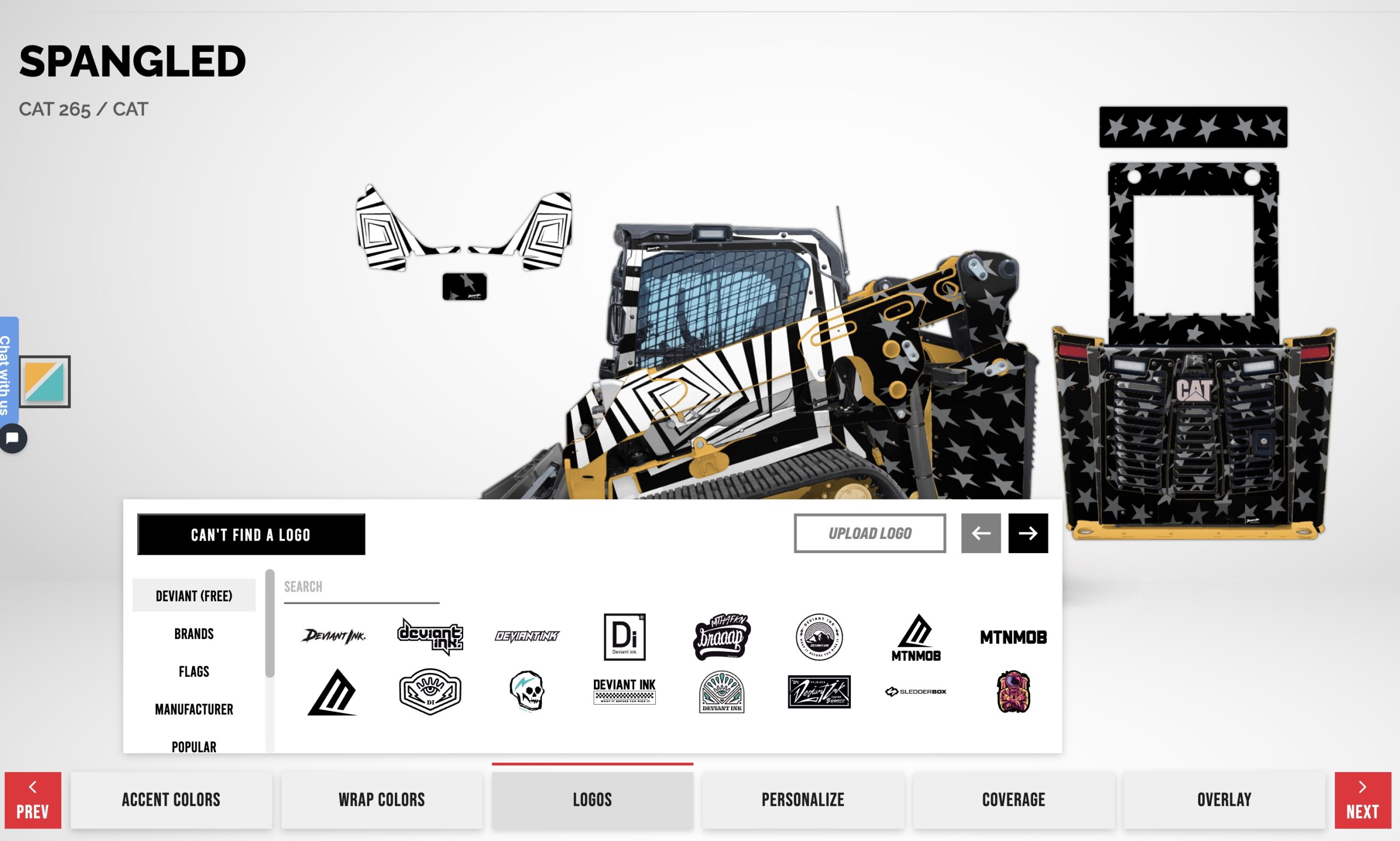
Start With Free Deviant Ink Logos
The logo section includes free Deviant Ink logos that are optimized for placement and scale.
This is a great starting point if you want a clean design or need help visualizing spacing before adding your own branding.
Logos can be resized, repositioned, duplicated, or removed at any time.
Search Manufacturer Logos Like Cat
The skid steer wrap customizer also includes manufacturer logos.
For the Cat 265, you can search Cat logos and apply them directly to your wrap. This is popular for owner operated machines, rental units, and clean showroom builds.
All elements remain fully editable as you move through the design process.
Upload Your Own Logo
If you want to brand your machine, you can upload your own logo directly into the skid steer wrap customizer.
Uploaded logos act just like built-in elements. You can resize them, move them, and place them across multiple panels.
This feature is ideal for contractors, fleet managers, and dealers looking for consistent branding across machines.
Personalize Text With Names, Phone Numbers, and Custom Colors
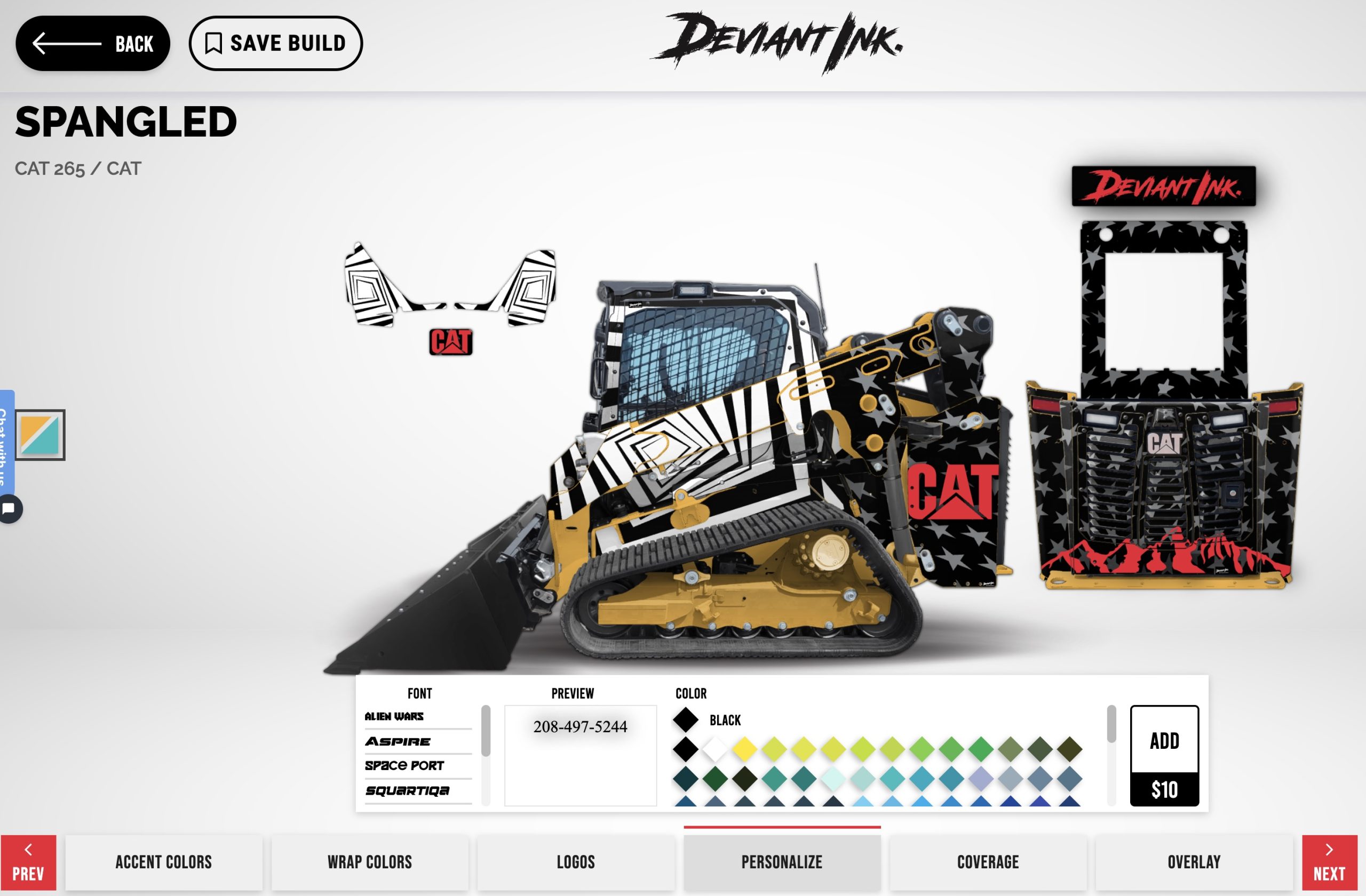
In the Personalization tab, you can add custom text anywhere on your wrap. This is where you can type in things like your company name, phone number, location, or any custom wording you want on the machine.
You can choose the font, adjust placement, and change the text color so it matches your logo and overall wrap design. This makes it easy to turn your skid steer into a rolling billboard without uploading a separate graphic.
If you want a specific font that is not listed, add the font name in the order notes at checkout. Our team will match it as closely as possible during production so everything stays consistent with your brand.
Select Your Finish Option
The final step in the skid steer wrap customizer is choosing a finish.
Available options include gloss, matte, and Gold Flake upgrades. Each finish changes the look and feel of the finished wrap.
Being able to preview finishes visually helps remove uncertainty before ordering.
Why Use a Skid Wrap Customizer
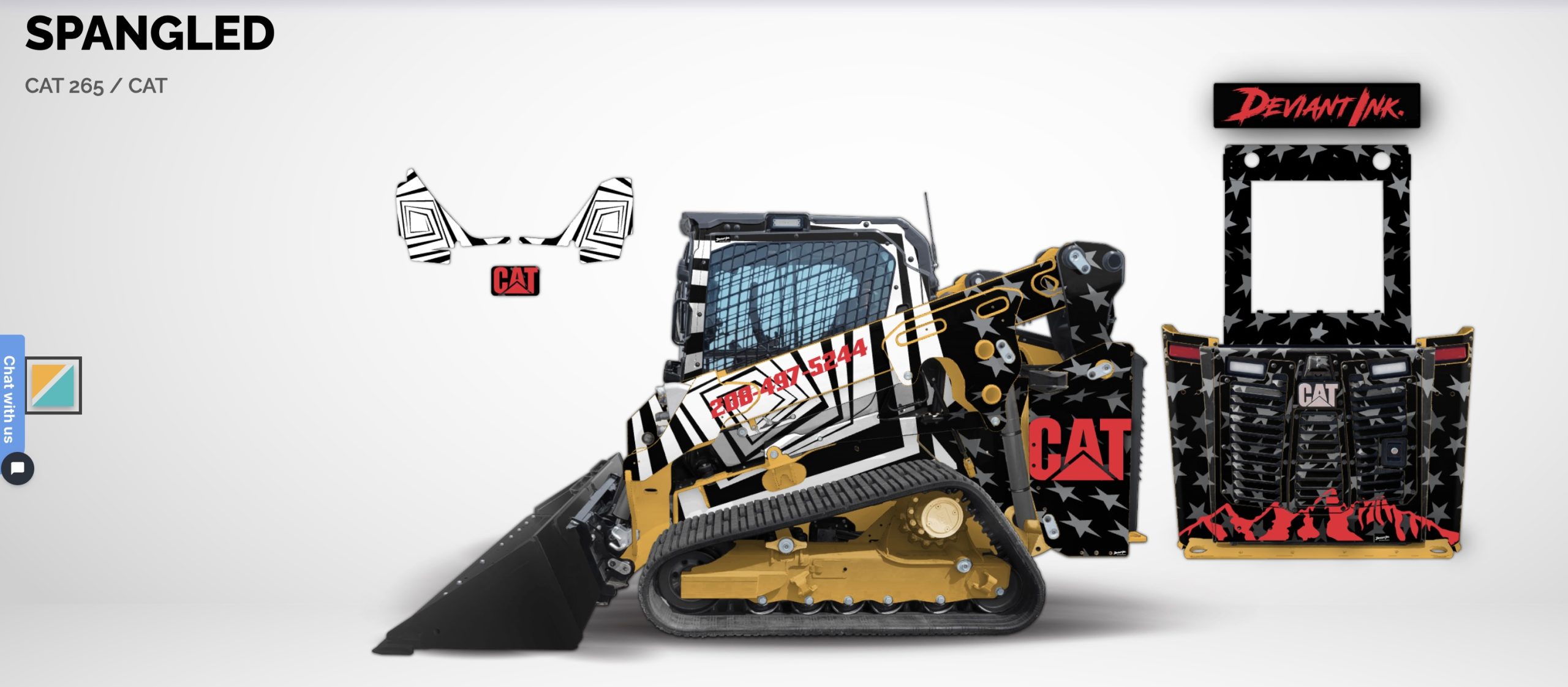
Most support questions come from uncertainty. Will the design look right? Are the logos sized correctly? Do the colors work together?
The wrap customizer answers those questions before you order.
You see the full Cat 265, control every detail, and order with confidence.
Try the Skid Wrap Customizer Free
You do not need to place an order to use the tool.
You can open the wrap customizer, design your Cat 265 wrap, test ideas, and save your build completely free.
Try the skid wrap customizer for free and start designing your Cat 265 today.